About the App
SmartBodyFit helps users train smarter, organize their workouts and stay motivated.
Create personalized routines, discover exercises by muscle group and track your fitness progress from one simple and modern app.
With AI-generated routines, an AI body scanner and muscle rankings after each workout, SmartBodyFit makes training easier, clearer and more motivating, whether at the gym or at home.
How we made it
The app generates personalized workout routines based on the user's goals, experience level and available equipment.

Using the phone's camera, the AI body scanner analyzes the user's body composition to estimate metrics and recommend training focus areas.
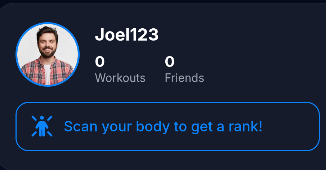
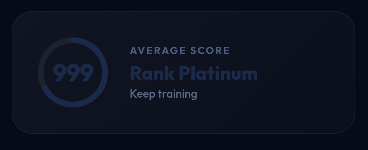
After each workout, the app shows a ranking of the muscles that have been trained, comparing volume, intensity and frequency over time.
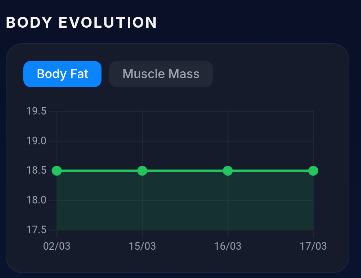
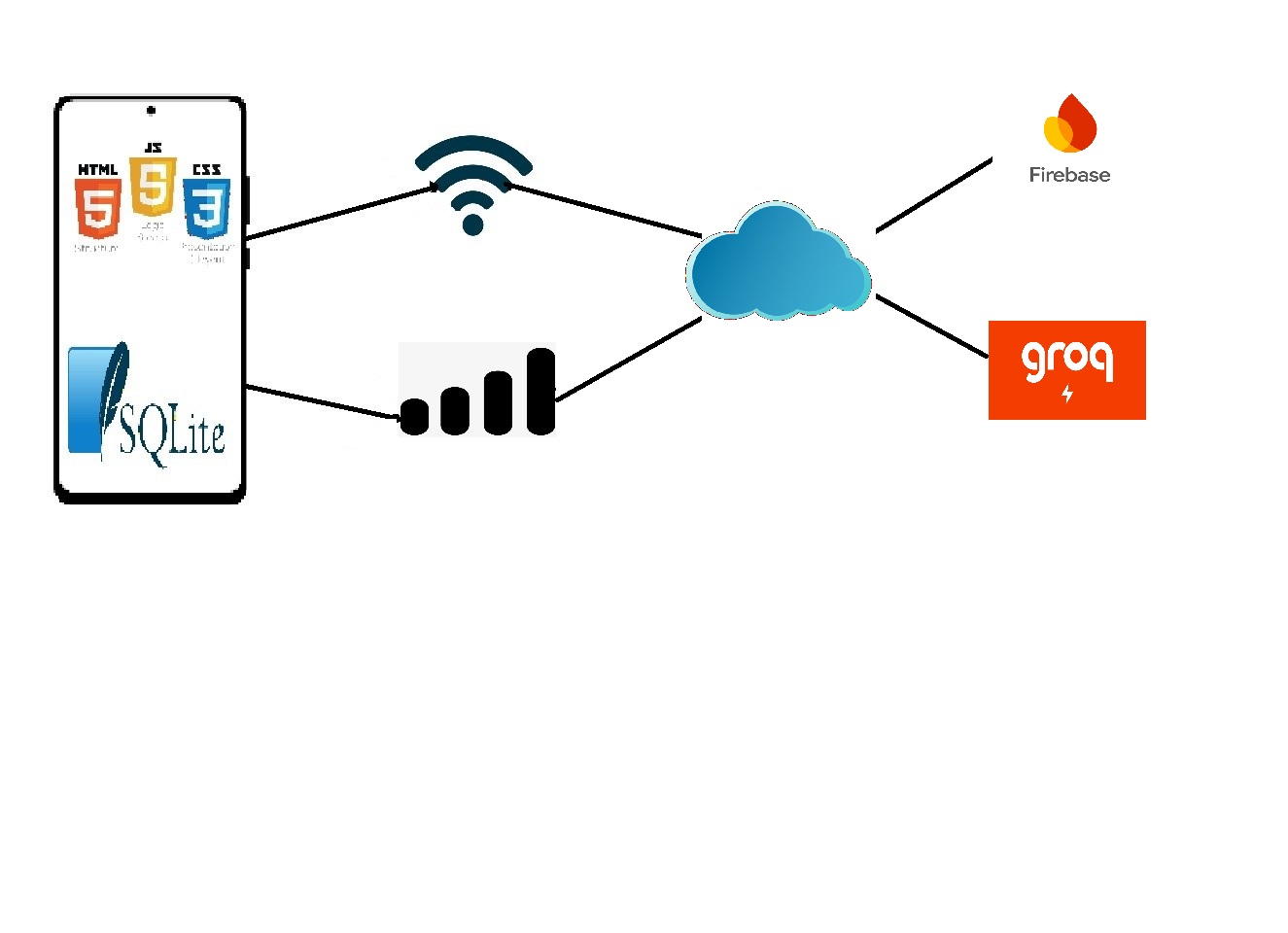
All workout data is stored locally with SQLite and synchronized with the cloud through Firebase, so the user can see their evolution over time.
What we have used
Main IDE for the Android app, using Java/Kotlin for the native development of the entire mobile experience.
Local database used to store routines, exercises and user history, including schema migrations between versions.
Authentication, Firestore and Cloud Storage (Blaze plan) for cloud sync, backups and storing body scan images.
Used for some metric calculations like BMI and TMB, keeping a unified logic between platforms.
Integration with AI APIs to generate personalized routines and analyze body images from the user's camera.
Version control, branching strategy and continuous backup of the codebase during the whole development cycle.
Global requirements of the solution
Beyond the functional features, SmartBodyFit was designed around a set of non-functional requirements that guarantee a smooth, safe and accessible experience for every user.
The interface adapts seamlessly to any screen size, from small phones to tablets, keeping the layout clear and usable on every device.
User credentials and personal data are protected through Firebase Authentication and secure cloud storage, ensuring privacy and integrity.
The app is built with multilanguage support so that users from different regions can enjoy SmartBodyFit in their own language.
Local SQLite storage and optimized queries keep the app fast and responsive, even when working offline or with limited connectivity.
The Firebase backend and modular architecture allow the system to grow naturally as the number of users and routines increases.
How the system is structured
The following diagram shows the overall architecture of SmartBodyFit, including the Android client, the local SQLite storage, the Firebase backend and the AI services that power the smart features.
Invested in each section
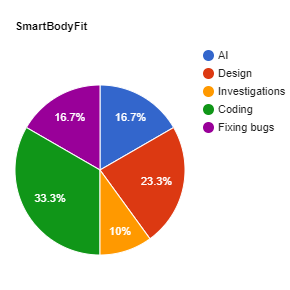
The spending time is about 288 hours.
Pros and Cons

Creator and Developer
Developing SmartBodyFit has helped me grow a lot as an Android developer. Working with WebView, Android Studio, and integrating Firebase have been challenges that have improved my skills with new technologies.

Creator and Developer
One of the hardest parts has been combining native Android logic with JavaScript-based metric calculations and AI services, but the result is an app I would have loved to use myself.
Our hardworking team
Creator and Developer
Creator and Developer